
Technical Rider Checklist for Small Venues
A strong technical rider prevents avoidable problems before they become expensive. Wrong DI count, missing monitor mix info, or a backline assumption that falls apart at load-in.
For small venues, clarity is more valuable than complexity. House engineers need to scan your spec in two minutes and know exactly what you are bringing versus what you need from them.
Rider essentials
Include:
- Stage plot — basic layout showing positions (even a simple diagram helps)
- Input list — channel-by-channel with mics/DIs noted
- Backline requirements — what you bring vs what you need from venue
- Monitor preferences — what each performer needs in their mix
- Changeover timing — how long you need between acts
- Contact for technical questions — name and phone, not just a generic email
Small rooms often share one engineer across multiple acts. Make their job easy.
Optimize for readability
Use clear formatting:
- Short sections with consistent headings
- Consistent naming (same instrument labels on plot and input list)
- No unnecessary jargon—assume a capable but busy engineer
If a venue can understand it in two minutes, you are doing it right. Avoid 12-page riders copied from arena tours unless you actually need them.
Communicate early
Send the rider as soon as date details are confirmed—not the morning of the show.
Then confirm:
- What is available onsite (backline, mics, monitors)
- What you need to bring
- Any substitutions or limitations (e.g. "no sub on small stage")
Follow up 48 hours before load-in if you have not heard back. Silence usually means nobody read the attachment, another reason to use a clear, exportable Tech Spec from one source.
Day-of benefits
A clean rider helps:
- Faster soundchecks (engineer already knows your layout)
- Fewer setup errors (DI count matches reality)
- Better performer confidence (monitors match expectations)
Your tech spec should live next to your tour dates and promoter pack—not in a thread titled "FINAL_rider_v7_REAL.pdf."
Small venues appreciate riders that list exactly which vocal mic you prefer and which channels you are self-providing—specificity prevents the 5 p.m. "we do not have that DI" conversation.
Final advice
Treat your tech spec as a living document. Update it after each run when you learn what small venues actually provide. Note which cities needed extra mics or had stage limitations.
In NowPlaying.Studio
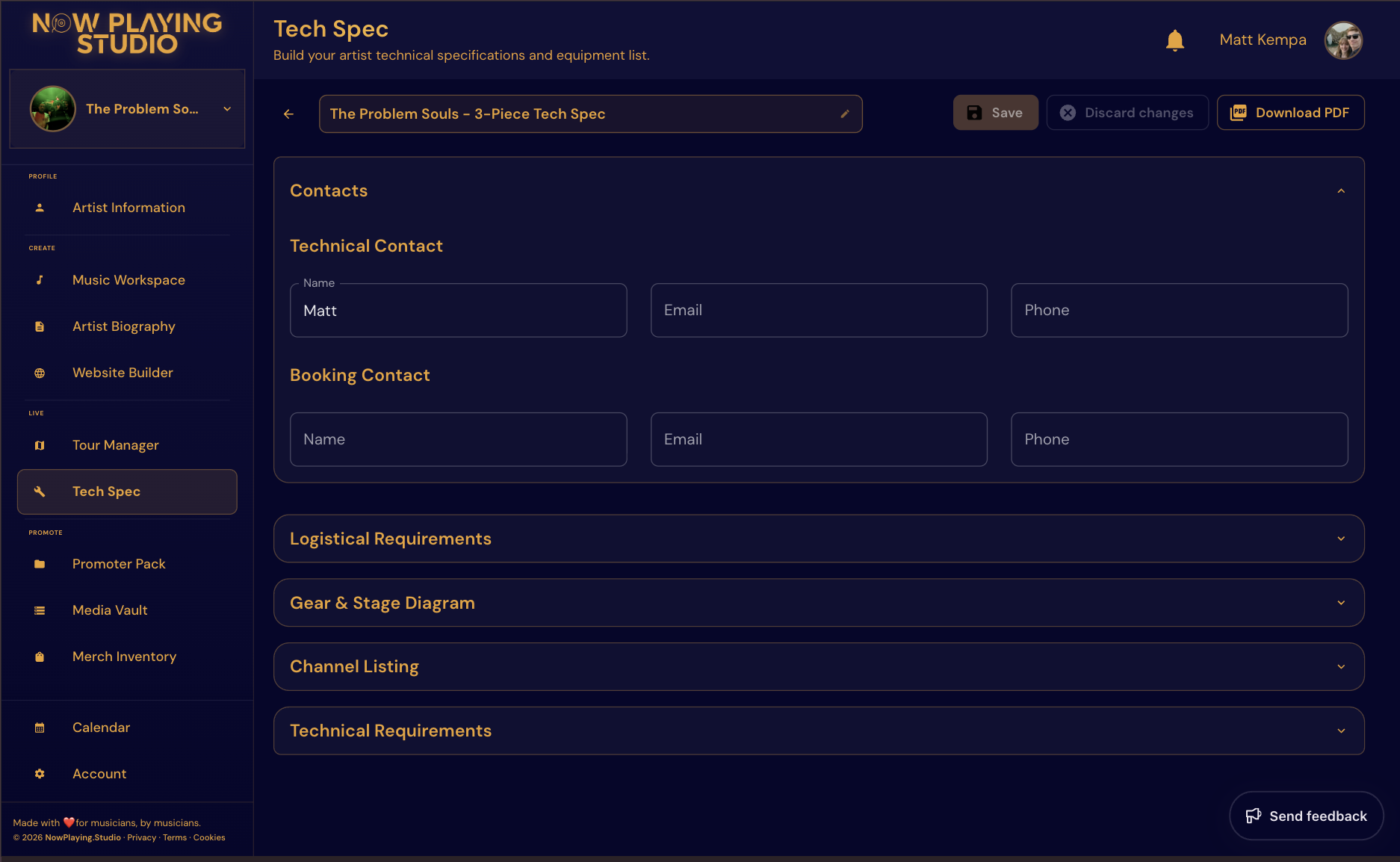
Tech Spec includes stage plot, input list, backline, and crew notes—exportable for venues and engineers. It sits alongside Tour Manager dates and Promoter Pack so your whole live operation shares one artist profile. No more sending the wrong rider from a previous lineup.
Check Features and Pricing.
FAQ
How detailed should a small-venue rider be?
Enough that load-in is predictable. One page plus a stage plot often beats a novel.
When should I send the tech spec?
When the date confirms, and again if anything changes (lineup, backline, monitor needs).
Can promoters see my tech spec?
Usually you send it to the venue directly after booking. Keep it ready in the same workspace as your EPK.
Related reading
- How to Build an EPK That Promoters Actually Open
- How to Plan a 10-Date Indie Tour Without Spreadsheet Chaos
If you want tour dates, EPK, and technical docs in one workflow, check Features and Pricing.
Free plan available — no card required. Compare plans or start free.
Stop emailing PDFs to bookers
Drop your email and we will send a 50%-off code for your first 3 months. Build your EPK as a public promoter pack on Now Playing Studio -- one link, every device, always up to date. No card to claim the code.
No spam. Unsubscribe in one click. We use Loops to send.