
Update Once, Sync Everywhere: A Release-Week Workflow for Artist Rosters
Release week is where fragmented systems break.
When one artist update requires edits in a Drive folder, three chat threads, a Canva export, a WordPress login, and a Linktree refresh, mistakes are almost guaranteed. One artist launches with last month's bio. Another has a broken pre-save link. A third still shows an old tour poster on the website.
Managers running multiple artists feel this pain most acutely—but solo artists hit the same wall when release day arrives.
The "update once" principle
Centralize source information so changes flow consistently:
- Artist bio updates (short + long versions)
- New release links and embed codes
- Media and visuals (artwork, press shots, snippets)
- Press and promo copy
This prevents stale pages and contradictory messaging. The artist profile is the source of truth, not five disconnected surfaces.
Release-week workflow
- Lock final release metadata — title, date, credits, ISRC if applicable
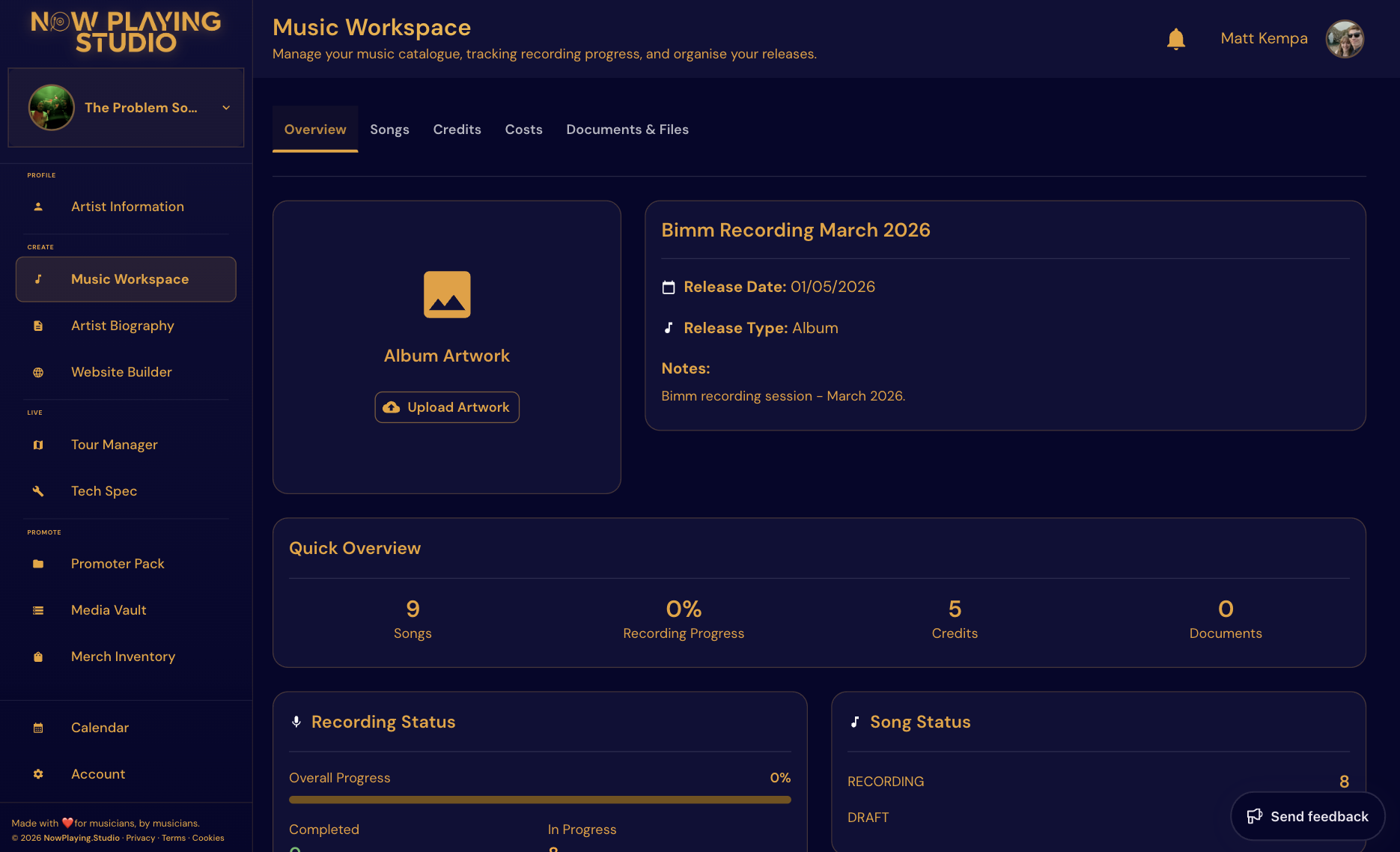
- Update central profile and asset set — bio, artwork, links in Music Workspace
- Push updates to web and promo surfaces — Website Builder, Promoter Pack, social copy
- Validate links and visuals — click every link on mobile
- Track engagement and follow-up — note what worked for the next cycle
Run this same sequence for every artist on the roster. Structure beats heroics.
Build a reusable release template inside Music Workspace—same phases, same QC list—so artist two does not reinvent artist one's process.
Managers who switch between artists mid-day save hours when bios, packs, and sites pull from the same profile instead of five disconnected logins.
Quality control checklist
Before launch:
- Confirm latest streaming links are live (not still showing pre-save)
- Verify artwork and copy consistency across site, pack, and socials
- Check booking/contact details on Website Builder and Promoter Pack
- Ensure no old release remains pinned as "latest"
Assign one owner for the QC pass—even if multiple people touch assets during prep.
Why managers benefit most
For multi-artist teams, "update once" saves hours each cycle and dramatically reduces error rates. Switching between artist profiles with the same workflow beats rebuilding checklists from scratch every release.
The time you save can go back into strategy, pitching, and growth.
In NowPlaying.Studio
Music Workspace tracks release stages, masters, and assets per artist. Artist Biography and Website Builder pull from the same profile—update bio once and your site and Promoter Pack stay aligned. Multi-artist plans let managers switch profiles without losing the release checklist structure.
Explore Features and Pricing.
FAQ
What breaks most often during release week?
Stale bios and wrong links—usually because no single source of truth exists.
How far ahead should we prep assets?
Lock creative at least 2–3 weeks before release day; metadata and distro deadlines often come earlier.
Can one person run release week for three artists?
Yes, with a shared workflow and calendar—see our guide for boutique managers.
What if an artist changes their release date late?
Update once in the central profile, re-run the QC checklist, and push to site and pack—avoid editing five surfaces manually.
Related reading
- Single Release Workflow: From Master to Launch Day
- Google Drive + WhatsApp vs a Centralized Artist Workspace
If this is the bottleneck in your current process, explore Features and Pricing.
Free plan available — no card required. Compare plans or start free.
Try Now Playing Studio at half price
Drop your email and we will send a code worth 50% off your subscription for the first 3 months. Cancel anytime, no card required to get the code.
No spam. Unsubscribe in one click. We use Loops to send.