
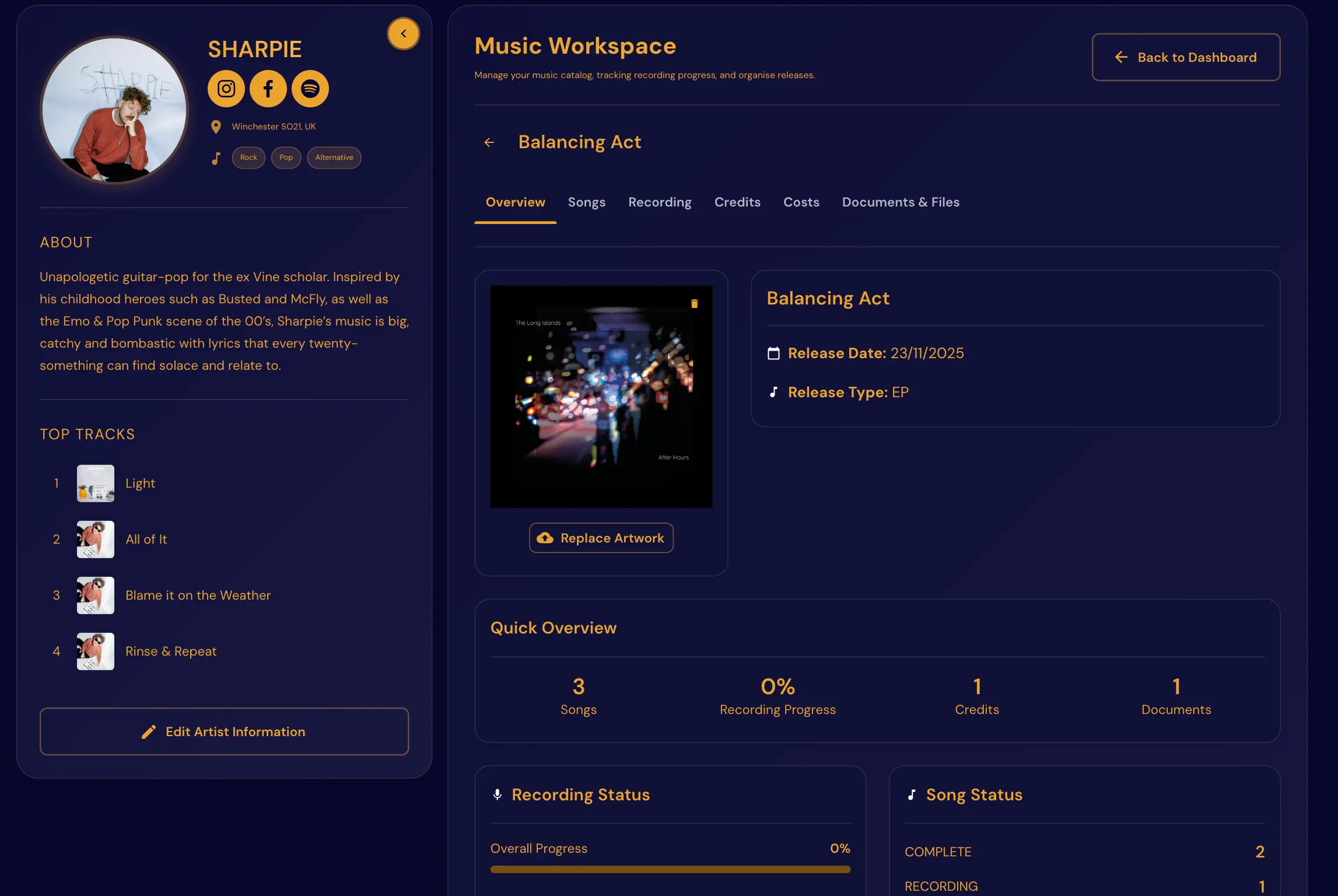
Single Release Workflow: From Master to Launch Day
Release cycles get messy when tasks live in five different tools. A DAW export in one folder, artwork in another, distro login somewhere else, and promo copy in a doc nobody updated after the title changed.
This workflow keeps your team aligned from final master to launch week, with one place to see what is done and what is still blocking launch.
Phase 1: Release planning
Define upfront:
- Release date (and whether it is single, EP, or album rollout)
- Distribution deadline (often 2–4 weeks before release)
- Creative assets needed (artwork, snippets, press copy)
- Promo schedule (announce, pre-save, launch, follow-up)
Lock these first so downstream tasks stay on track. Moving the release date without updating the checklist is how music ships late.
Phase 2: Asset preparation
Prepare everything early:
- Cover art (final resolution for distro and social)
- Audio masters and metadata (title, credits, explicit flag)
- Bio updates (short blurb for promo + long for site)
- Social snippets (15–30 second hooks)
- Press copy (if you are pitching blogs or local press)
Centralized assets reduce scramble later. "Where is the final master?" should never be a release-week question.
Phase 3: Campaign timeline
Map communication touchpoints:
- Announcement (date reveal, artwork tease)
- Pre-save push (1–2 weeks out)
- Release day posts (all platforms, email if you have a list)
- Follow-up content (live video, behind-the-scenes, one more push at day 7)
Consistency beats one big launch burst. Plan at least three touchpoints after release day.
Phase 4: Launch-day execution
Use a launch checklist:
- Confirm streaming links live in all territories you care about
- Update Website Builder and Promoter Pack with new release
- Publish key content (do not wait for "perfect"—ship on schedule)
- Track engagement and feedback for the post-release review
Assign one person to own the checklist on launch day.
Post-release, log what worked in Music Workspace notes so the next single starts from evidence—not guesswork.
Phase 5: Post-release review
After 7–14 days, review:
- Traffic sources (which post or platform drove listens)
- Engagement quality (saves, playlist adds, comments)
- Conversion to next action (shows, merch, mailing list signups)
Apply those learnings to the next release. Music Workspace makes it easier to see what you did last time instead of guessing.
In NowPlaying.Studio
Music Workspace tracks masters, credits, costs, and release stages per project. Pair it with Artist Biography for promo copy and Website Builder so launch-day updates happen once. Tour Manager calendar can include release milestones alongside show dates.
See Features and Pricing.
FAQ
How early should I start a single release workflow?
At least 4–6 weeks before release for distro; creative can start earlier.
What if we miss the distro deadline?
Release date slips, it's better to slip than launch with wrong metadata or artwork.
Do I need a separate project management tool?
Not if release stages, assets, and profile updates live in one workspace built for musicians.
Should singles and albums use the same workflow?
Same phases, different scope—albums add more assets and a longer campaign timeline.
Related reading
- Update Once, Sync Everywhere: A Release-Week Workflow for Artist Rosters
- Band Calendar Management: Rehearsals, Releases, and Tour Dates in One View
To manage releases, artist content, and updates in one place, see Features and Pricing.
Free plan available — no card required. Compare plans or start free.
Try Now Playing Studio at half price
Drop your email and we will send a code worth 50% off your subscription for the first 3 months. Cancel anytime, no card required to get the code.
No spam. Unsubscribe in one click. We use Loops to send.